PLM's
Apps:
Change Management Artifact Management Like Part Generator Bill of Material & Routing Series ManagementThe Change Dashboard lets you manage all drafts in progress from one place. You can view changes made by everyone or just your own, reassign drafts, and publish them, all from a single location.
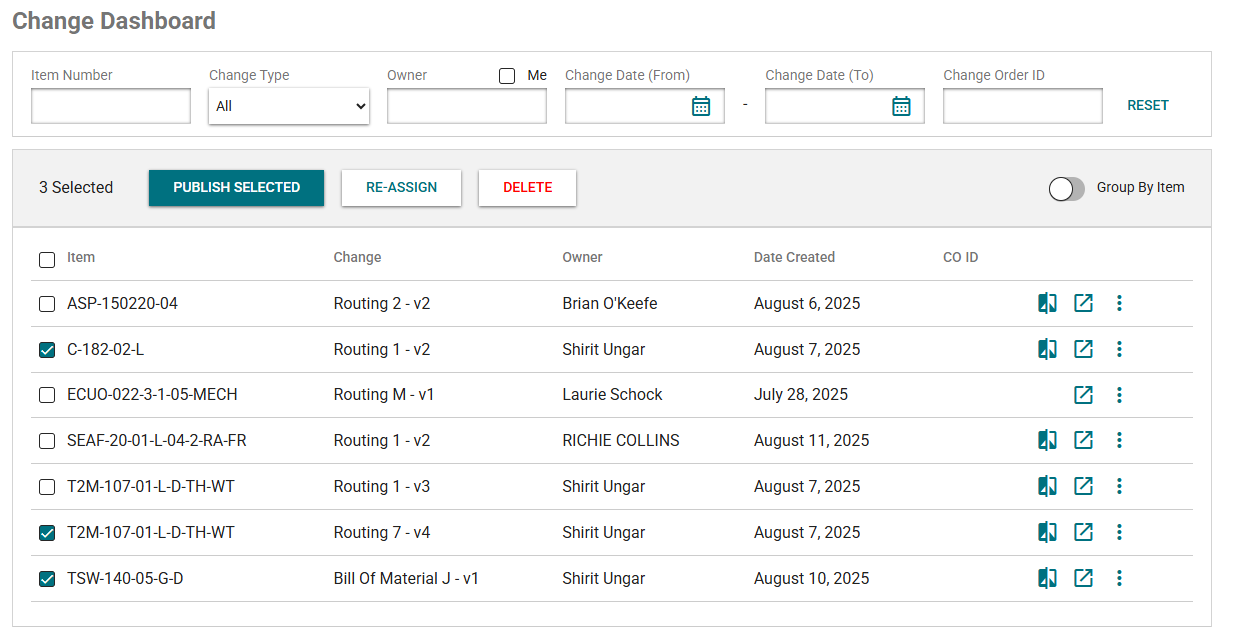
The Change Dashboard lets you manage all drafts in progress from one place. You can view changes made by everyone or just your own, reassign drafts, and publish them, all from a single location.
You can filter by:
By default, if you have drafts in motion the list will be filtered to see all your drafts.
You can reset the filter to see all drafts
Sorting
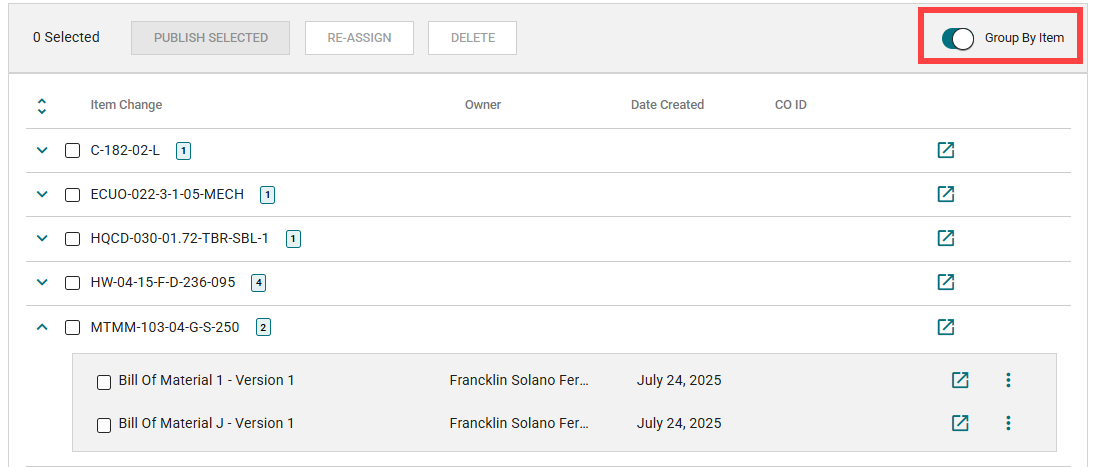
Select the checkbox to take action on those selected drafts.
Re-assign & Delete
You can also go to that part number’s page by clicking the icon to go to the page.
You can open the comparison page in a new tab if that change has a current version to compare to.
