PLM's
Apps:
Change Management Artifact Management Like Part Generator Bill of Material & Routing Series ManagementNext Number generation in Series Management replaces the Excel-based process previously used to request numbers when designing new component parts. The read-only, archived version of the Excel spreadsheet can be found at:
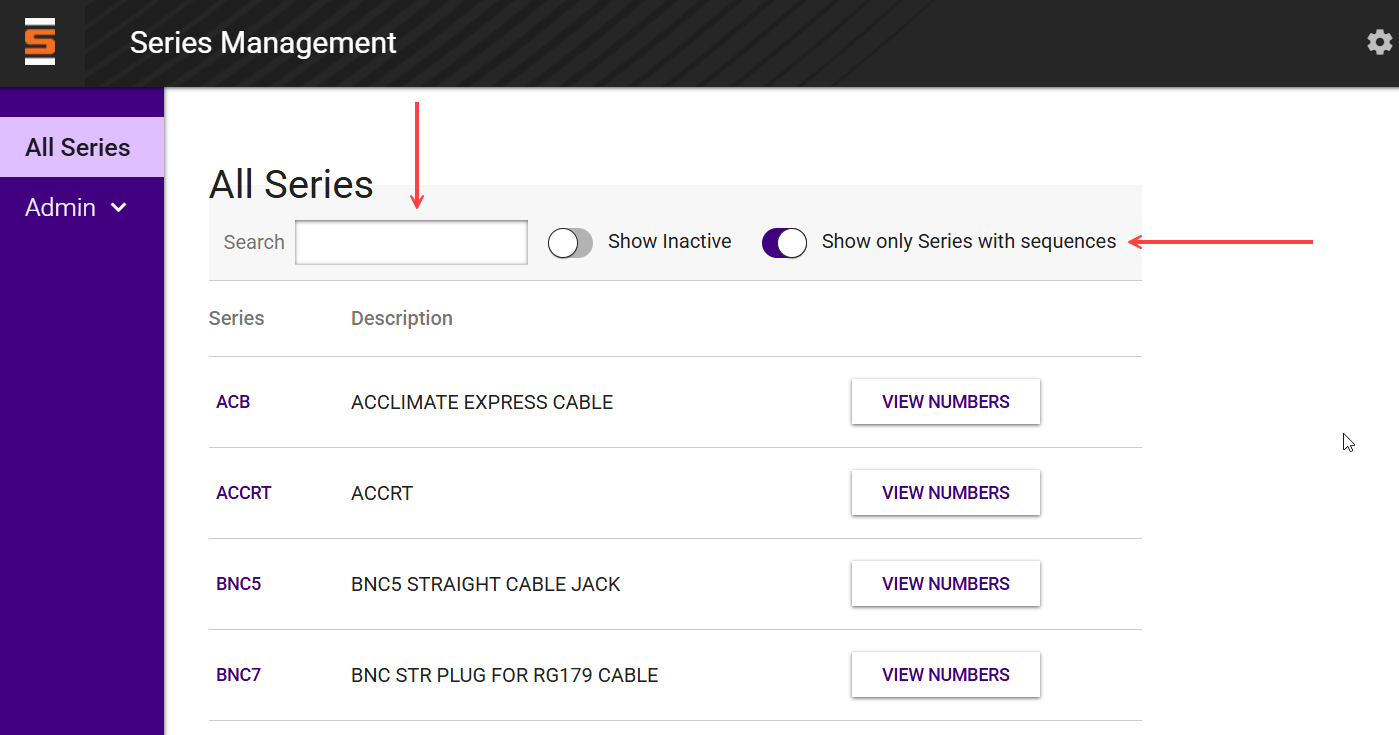
The Series Management landing page shows all active part series, whether finished good or component part, though you can filter the list in a few ways:
To create reserve a new number for a given part series:
Search for the series in the series list
Select the VIEW NUMBERS button in the table row; a panel will open showing the list of reserved numbers for the selected series
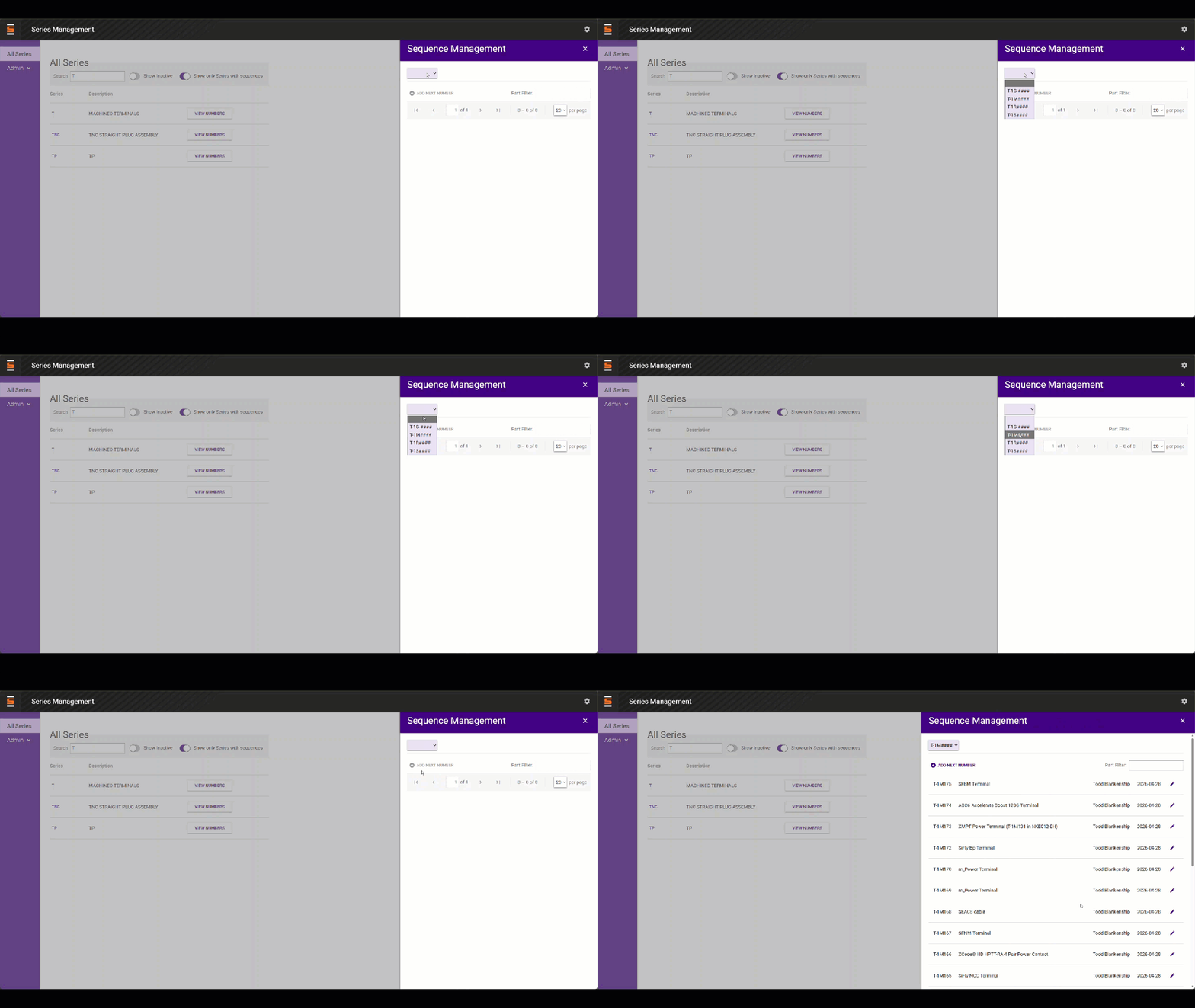
Select the ADD NEXT NUMBER button
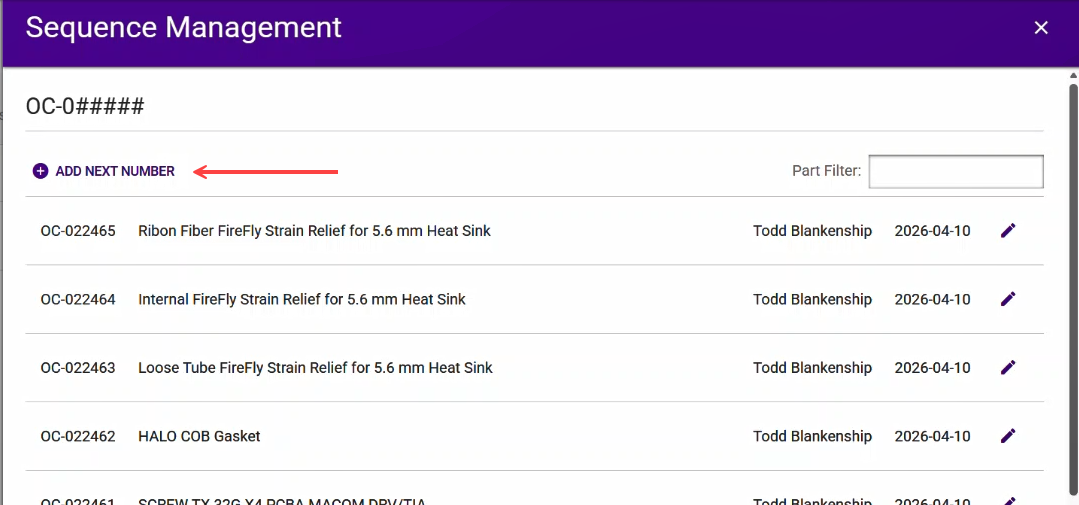
Enter a description into the text field and click the SAVE button
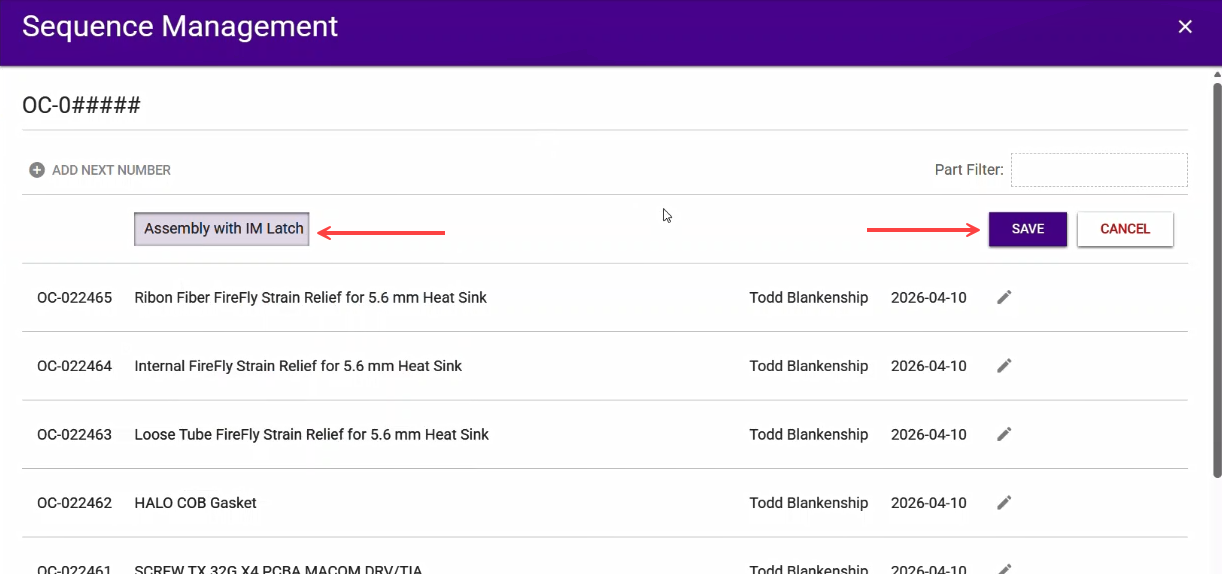
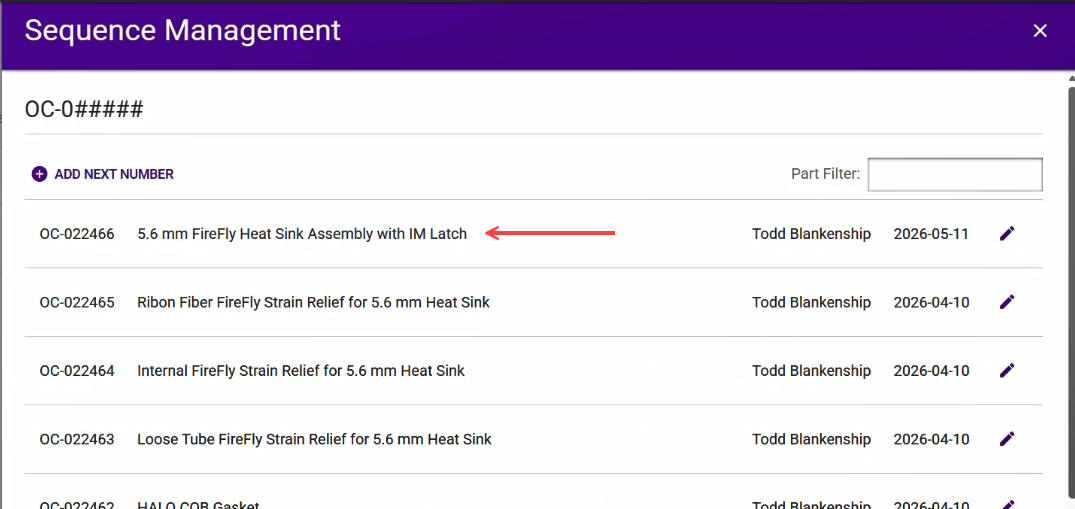
Series Management will assign the next available number for the selected series and display the result at the top of the list.