PLM's
Apps:
Change Management Artifact Management Like Part Generator Bill of Material & Routing Series ManagementThe Vault Assistant is an application installed on user machines running Windows. This app facilitates features implemented in the PLM web application. The information below provides a basic guide toward troubleshooting.
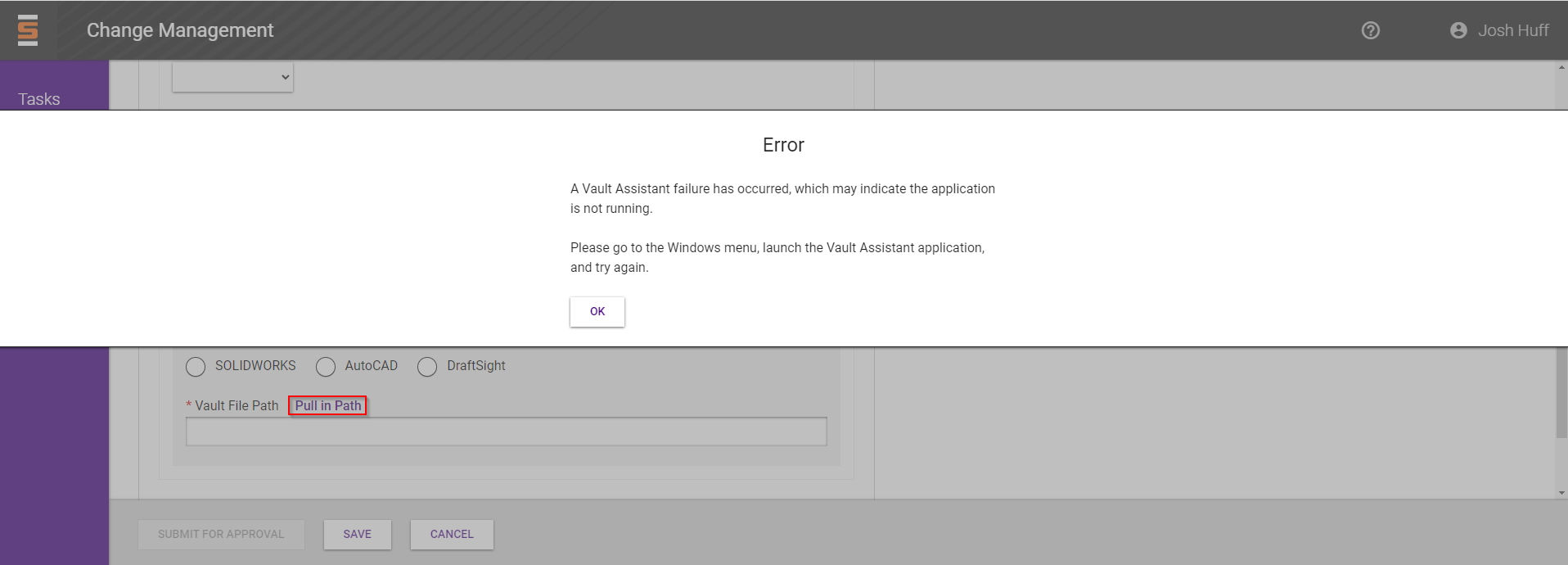
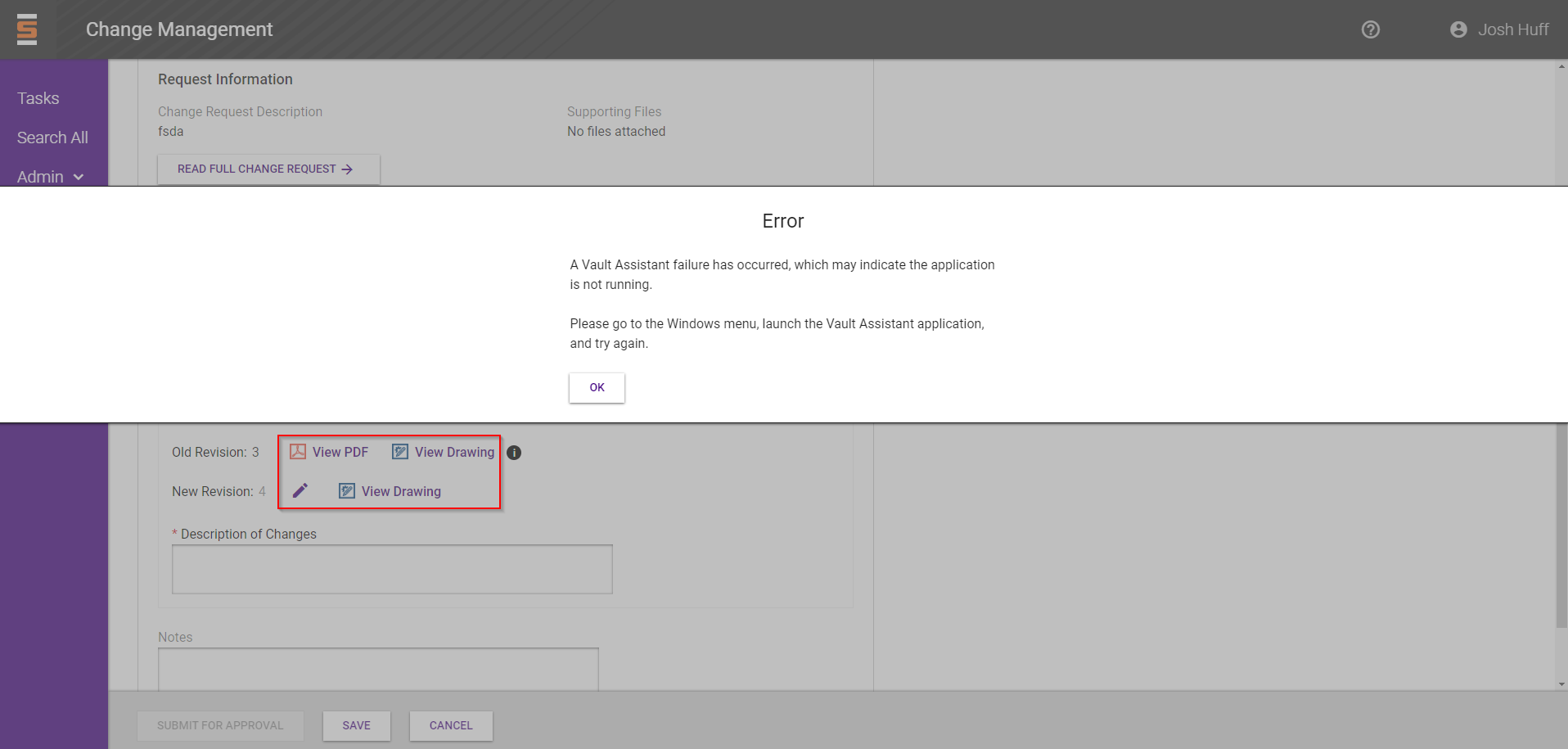
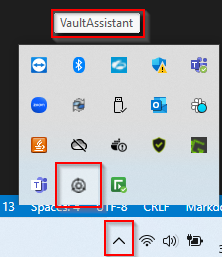
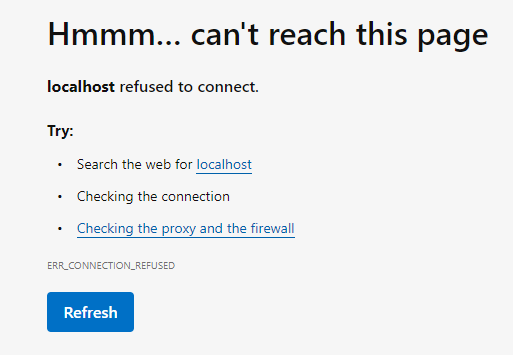
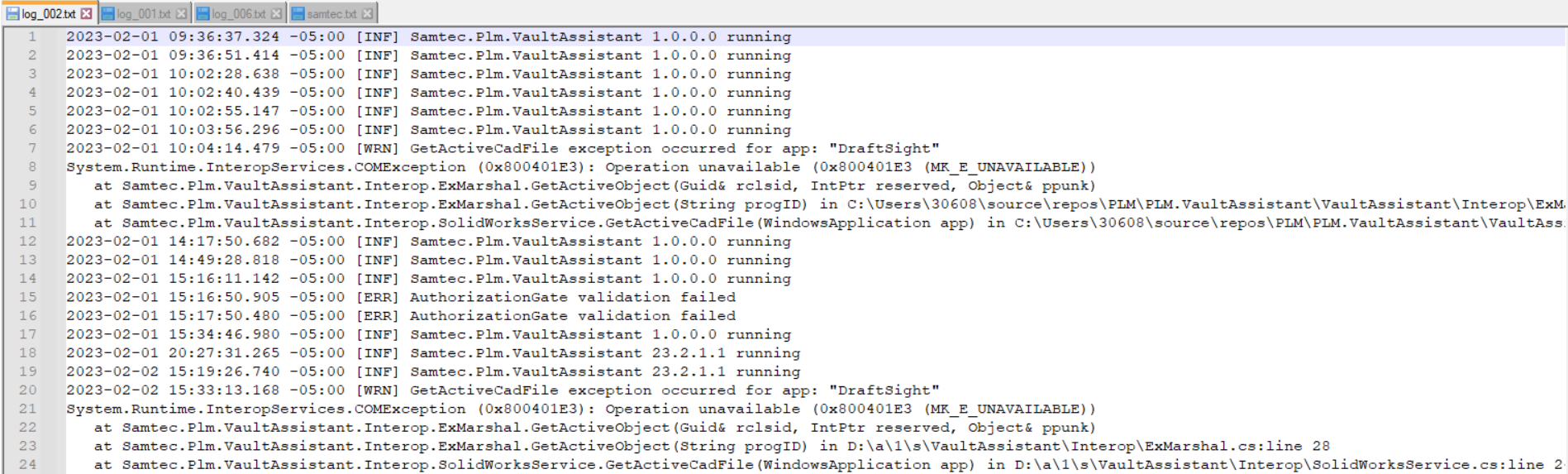
If you get the below errors, if you cannot view artifacts or if loading artifacts takes too long we need to check if Vault Assistant is running.
Pull in path feature on the Change Order Summary page for NEW products.
File launch feature on the Change Order Summary page for EXISTING products.
"Vault path: null" Instead of the file path on the Change Order Summary page for EXISTING products.
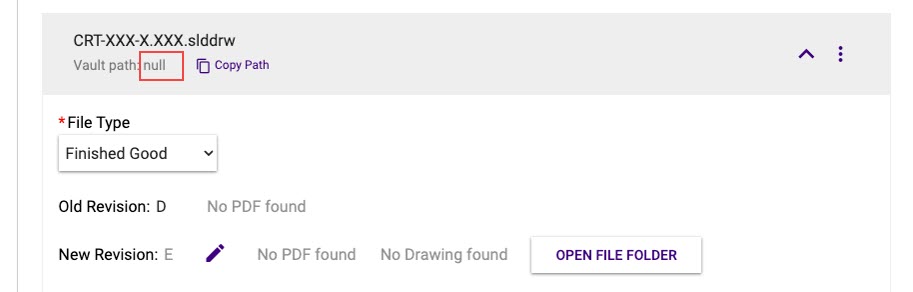
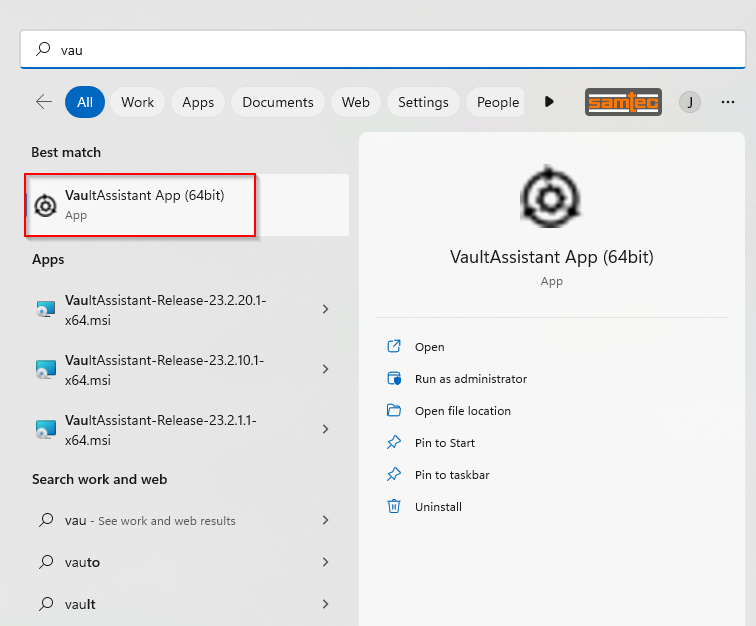
If you find out Vault Assistant is not running, scroll down to see how to Launch Vault Assistant.
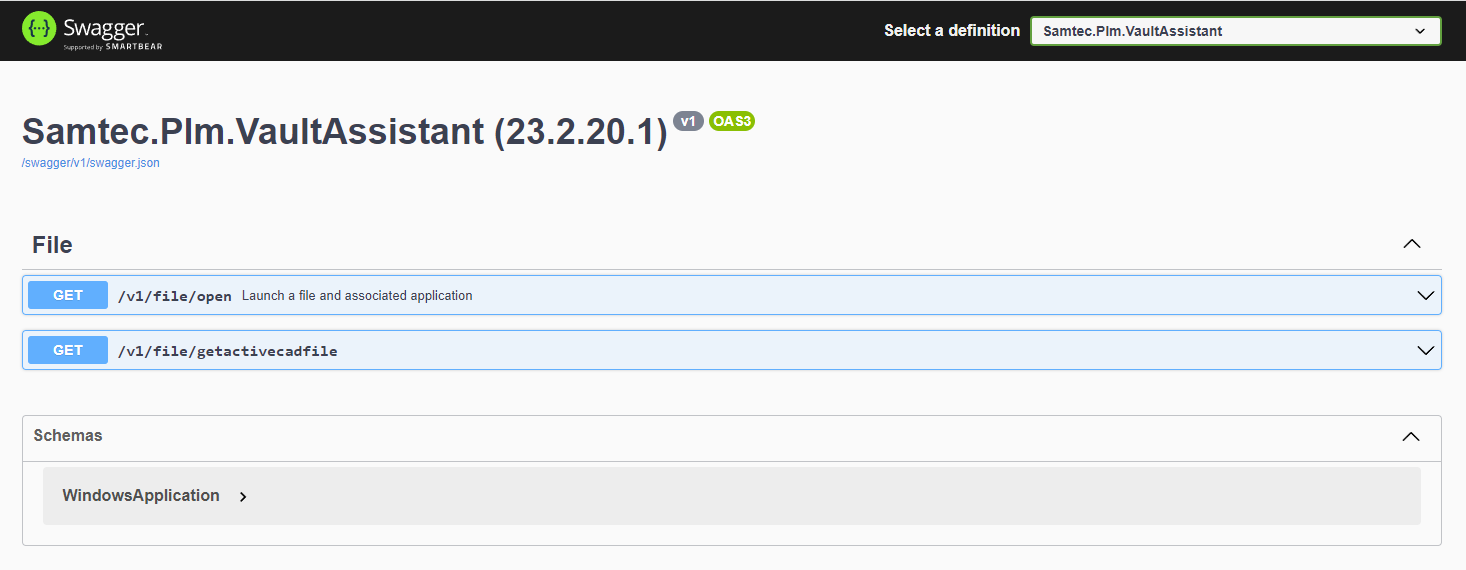
If it's running, you will see the version:

If it's not running it will show Vault Asst: not connected

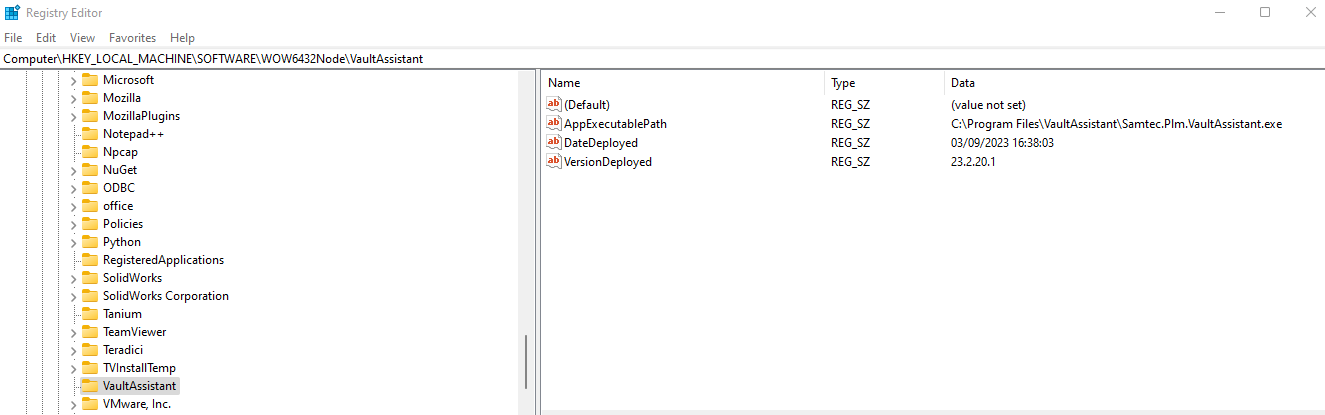
Type "Offline Maps" in your Microsoft Search box and see if the Metered Connections toggle is ON/OFF. It should be turned OFF to receive Vault Assistant updates.
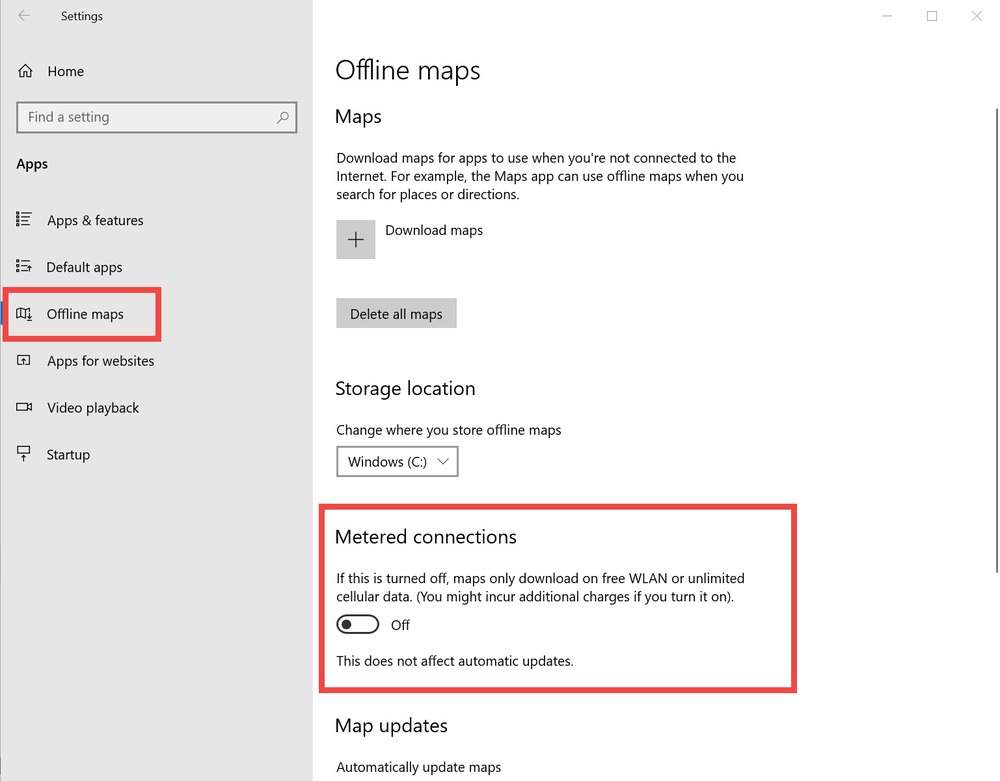
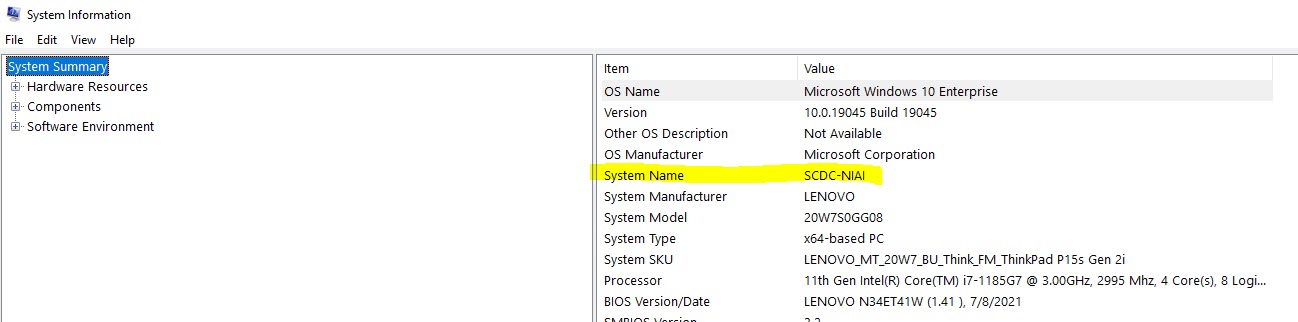
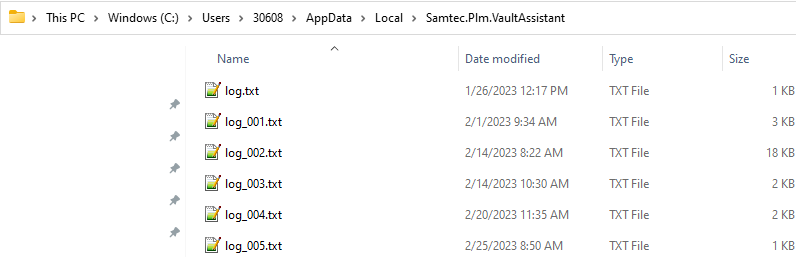
If it was "on" and you turned it "off" reach out to us to let us know. Include your PC name and so we can push changes to your machine.